
In the past, we talked about how to choose a laptop. The points of the article ran the gamut from understanding the various laptop specifications to finding the best price.
In this article, I want to focus specifically on how to get the best deal on your laptop, an area in which I have a lot of experience.
As a sort of an impromptu side business, I sell laptops for a living. I do not proclaim to know everything there is to know about laptops, but what I can tell you is that I have been buying them from various places over the past few years and reselling them, some at a considerable profit.
What I’d like to do is to list out 4 essential factors that you should take into account before you actually take the plunge and buy yourself that new laptop computer.
1. How Soon Do You Need It?
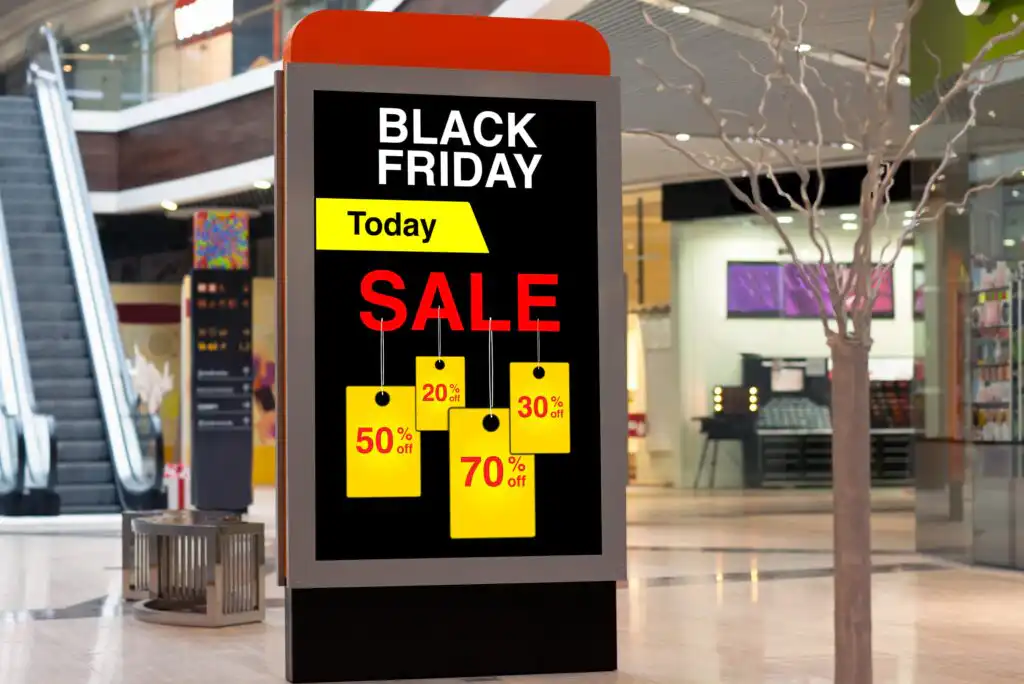
In some ways, this could have the biggest effect of all on the price that you pay for your laptop. For example, if you are anywhere in the time frame before Black Friday, wait until that day to buy your computer. Hot deals will be everywhere on Black Friday. Most sites give you sneak previews of their Black Friday specials, so you can do all of your picking and choosing beforehand on the Internet and then just go out on that day and pick it up.
Almost all brick and mortar retailers also have unadvertised “clearance” specials at certain points in the year, but these specials can be a little difficult to find unless you’re a regular visitor to a certain store. Try to sign up for a bunch of store email lists so you can keep track of upcoming clearance sales. If you can capitalize on these deals, your savings will be significant. These clearance items normally are for an older model of a particular computer, so unless you need to have the latest and greatest laptop out there, these laptops should suit you just fine.
2. Where to Buy?
I think that you should consider all sources in your search. This includes walking into brick and mortar retail stores and surfing the Internet as well.
Some people are hesitant to purchase anything over the Internet for fear of security issues regarding their credit card information. Well, I am either the luckiest guy on Earth, or you really don’t have much to worry about. I have spent thousands of dollars over the Internet, I enter my credit card information all the time, and I have never had problems. Of course, never ever give any site your social security number. The key is finding the best and most trusted online retailers, which I’ll detail in the next section.
3. My Top Internet Retailers
I think that Amazon is one of the best and most popular options on the internet. They offer some of the best prices around and another key point that A LOT of people don’t realize is that Amazon charges no sales tax. Any company that has no physical building isn’t required to charge sales tax. Keep this in mind when making your final decision. If you’re spending $600 on a laptop, this is at least $30 in additional savings.
Same thing for eBay. No sales tax there. If you have the patience, you can go the auction/bidding route, or you can also get good deals by simply choosing the “Buy It Now” option.
Amazon and Ebay are great to sell buy and sell products online, including laptops. Here are a few other sites that I have bought a lot from in the past that you may not have heard of:
- Tiger Direct – No sales tax. Fast (and usually free) shipping.
- Newegg – No sales tax. Fast (and usually free) shipping as well.
- Woot – A sort of “daily deals” site.
- Dell Outlet – Great prices on refurbished laptops if you care to go that route.
- HP – Unbelievable discounts from time to time, plus, you can customize your laptop there.
Footnote: I would be leery of the majority of so-called “daily deals websites.” Make sure they are legit before you utilize them.
4. Organize Your Search
If price is your only concern, check out FatWallet. Under their Hot Deals tab, you’ll find all the latest specials, both online and in store. Also, make a quick jaunt to a few brick and mortar retailers. You never know what “unadvertised” specials they may have.
As one final tip, if you’re looking for the best price on a specific model of laptop, use a comparison shopping site. There are a million out there. I have had great success with NexTag and Bizrate myself.
Final Word
The next time you shop for a laptop, don’t just go about it in a willy-nilly fashion. With a little planning and forethought, there is a ton of money to be saved out there.
Do you have any additional tips to keep in mind when shopping for a laptop? As always, your comments and feedback are greatly appreciated.

Editorial & Advertiser Disclosure: The editorial content on this website is not provided, commissioned, reviewed, approved, or otherwise endorsed by any advertiser. Opinions expressed are ours alone, not those of any advertiser. The offers that appear are from companies from which we may receive compensation. However, this compensation does not impact where and how these companies are mentioned on the site. We do not include all companies or all available offers in the marketplace.
Related: