
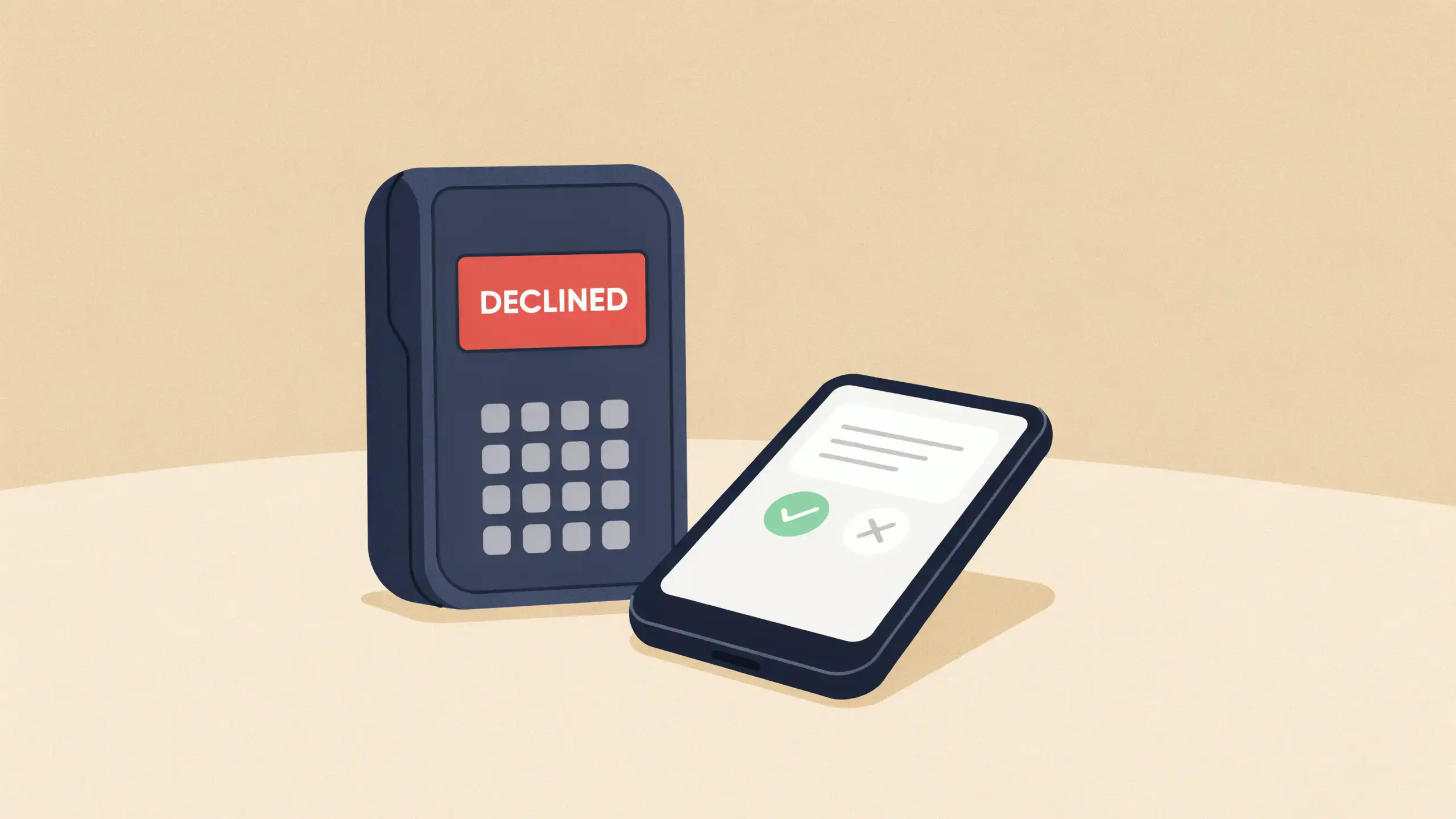

When your credit card gets declined at checkout, check your phone and your card issuer’s app before calling or trying another card. A fraud alert waiting on your reply, a lock left on, or too little available credit will show up there. Fix what you find, run the card again, and call only if nothing looks wrong.
The fastest fix is often a one-word reply. Issuers flag purchases that don’t fit your usual spending, like a big-ticket item or a charge far from home, and many send a text or app alert asking you to confirm it. Reply yes, then run the card again.
If no alert came, check your available credit next. It’s your limit minus your balance and any pending charges, such as the holds hotels, rental car counters, and gas pumps place before the final bill. That’s why a card can be declined while the balance still looks well under the limit.
If there’s room, work through the rest.
- Make sure the card isn’t locked. A lock left on blocks new purchases until you switch it off.
- Check the card itself. An expired card or an unactivated replacement won’t work, and a store that saved your old card needs the new card’s details.
- Check what you typed. A mistyped security code, or a billing ZIP code that doesn’t match your account, can get the charge declined online or at the pump.
- Look for a missed payment. Issuers can restrict a past-due account until you pay what’s overdue.
If everything checks out, call the number on the back of the card. Ask why the charge was declined and what will clear it, and stay on the line until any block comes off. If the rep finds nothing wrong, the store’s card reader or website is the likely problem, so insert the chip instead of swiping, or try another browser online.
Then head off the next one. Keep your mobile number current with your issuer so fraud alerts reach you, and turn on alerts for large purchases and for a balance nearing your limit. Set autopay for at least the minimum so a forgotten due date doesn’t get the card restricted, and before a trip abroad, see whether your issuer still takes travel notices.

Editorial & Advertiser Disclosure: The editorial content on this page is not provided, commissioned, reviewed, approved, or otherwise endorsed by any advertiser. Opinions expressed here are ours alone, not those of any advertiser. The offers that appear on this site are from companies that compensate us. That compensation may influence which products we cover and where and how they appear on a page – including the order in which they appear – but it does not influence our evaluations, ratings, or opinions. We do not include every company or offer available in the marketplace.
Related: