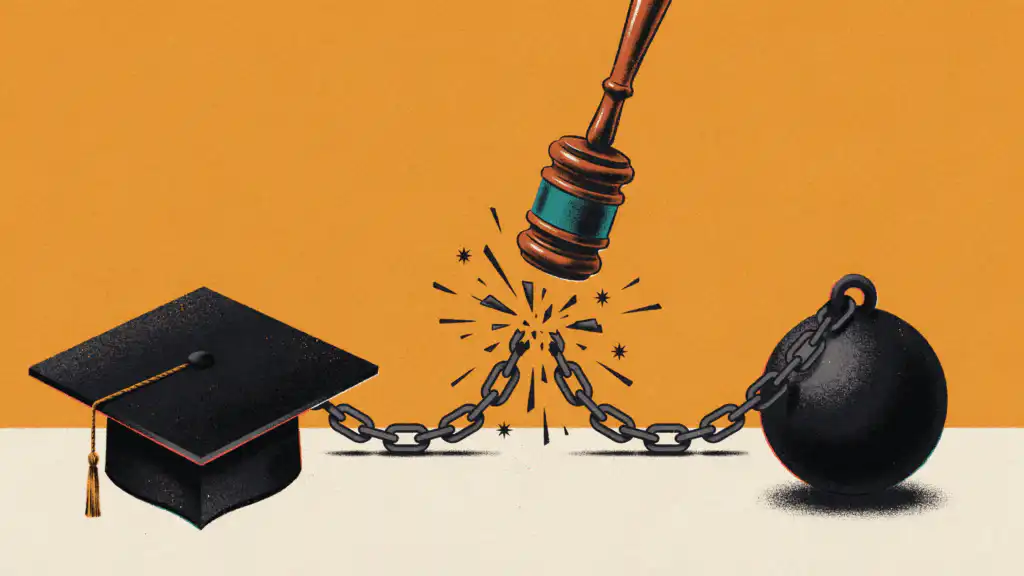



An income-driven student loan payment stays tied to your income only if you recertify every year, and a missed deadline resets it to the 10-year standard amount. Consent once on StudentAid.gov to share your IRS tax information, and if you’re eligible, the Education Department recertifies you automatically each year.
Here’s what that reset costs if you entered Income-Based Repayment (IBR) owing $50,000 at 6% and pay $180 a month. Let one recertification notice go unanswered, and the payment becomes the 10-year standard amount on that $50,000, about $555 a month by our math, roughly triple your $180.
The same reset applies on every income-driven plan, including the Repayment Assistance Plan that opened July 1, 2026. IBR also adds your unpaid interest to the balance.
StudentAid.gov calls the setting autorecertification. Once you consent, the Education Department pulls your tax information from the IRS and recertifies you automatically if you’re eligible, starting 120 days before your recertification date. Your consent stays on file until you pay off the loan, leave income-driven repayment, or revoke it. If autorecertification isn’t available to you, recertify manually about 90 days before your date, as StudentAid.gov recommends.
Setting it up takes a few minutes:
- Log in to StudentAid.gov, select the arrow beside your name, and choose Settings, then Financial Information Access.
- Select Provide Consent, read the tax information authorization, and select Provide Approval. The page then shows Consent on file under the Income-Driven Repayment (IDR) heading.
- Note your recertification date, which your Dashboard lists under My Loans.
If you’re leaving SAVE, the income-driven plan a federal court ended, give consent on your new IDR application, under Authorization To Retrieve Federal Tax Information.
Let autorecertification handle a raise, but don’t wait for it if your income dropped. Autorecertification reads your last tax return, so a layoff or pay cut since then won’t show up. On the IDR Plan Request page, choose Manage Your Plan and submit current pay stubs to have the payment recalculated now.
If your loans moved to a new servicer, log in there and confirm it has your current email address. That servicer, not the old one, sends your updated bill at least 21 days before the new payment is due.
Each year, check the My Activity page of your Dashboard for the PDF that confirms your recertification went through.

Editorial & Advertiser Disclosure: The editorial content on this page is not provided, commissioned, reviewed, approved, or otherwise endorsed by any advertiser. Opinions expressed here are ours alone, not those of any advertiser. The offers that appear on this site are from companies that compensate us. That compensation may influence which products we cover and where and how they appear on a page – including the order in which they appear – but it does not influence our evaluations, ratings, or opinions. We do not include every company or offer available in the marketplace.
Related: