

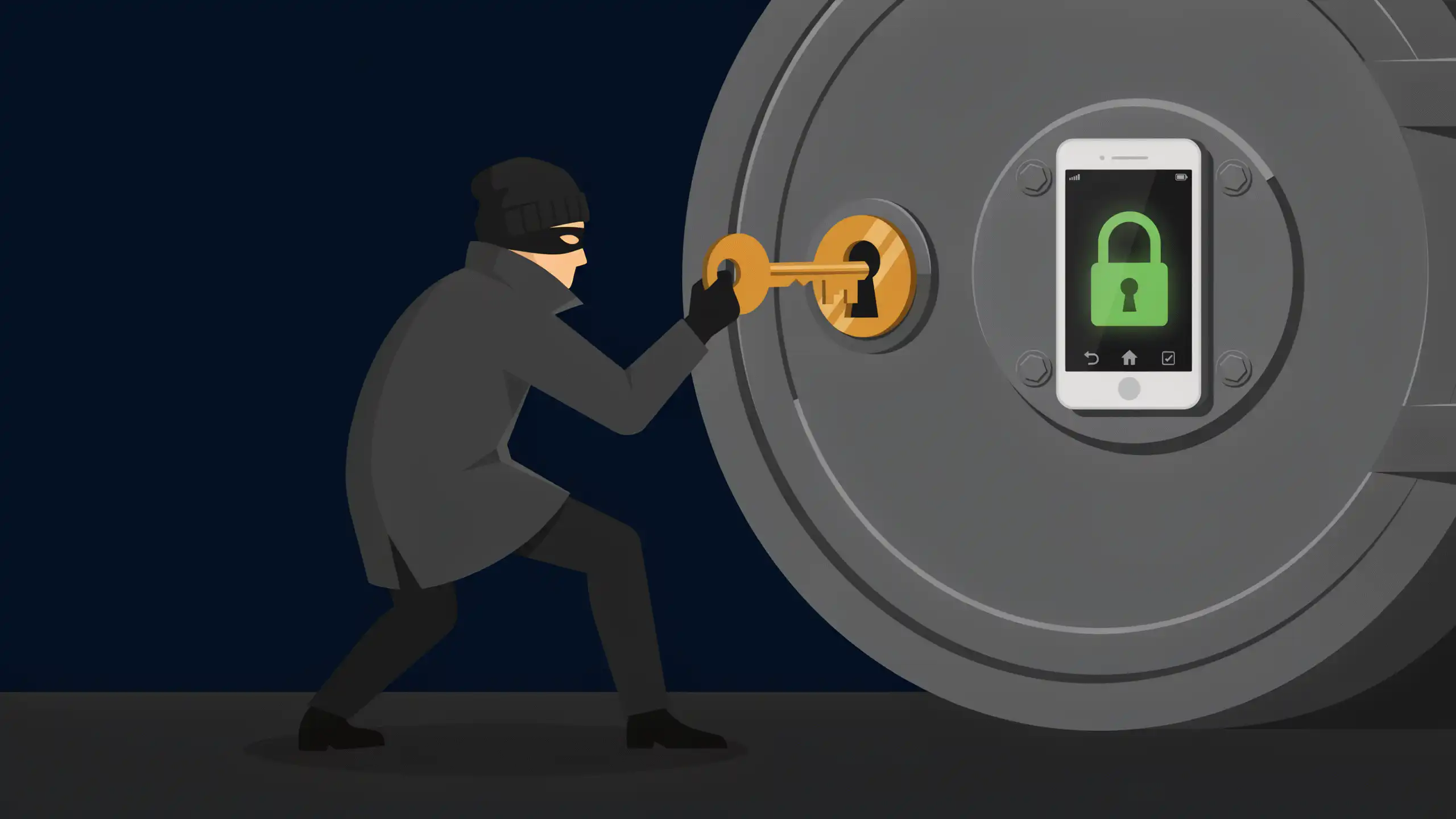

Two-factor authentication means a stolen password alone is no longer enough to get into your accounts. Set aside 30 minutes to turn it on for your email and every bank, card, investment, and payment account, and pick an authenticator app over text codes wherever a site offers both.
Even its weakest form stops most attacks. When Google checked suspicious sign-ins to its own accounts in a 2019 study, a code texted to the owner’s phone stopped 96% of bulk phishing attacks, and a prompt on the phone itself stopped 99%.
Text codes do have a weak spot. They travel over your phone number, and a thief who talks your carrier into moving that number to a new SIM card gets your codes too. An authenticator app like Google Authenticator or Microsoft Authenticator keeps the codes on the phone in your hand. The FTC calls a physical security key, a small device you plug in or tap, the strongest option of all. If a site offers only text codes, use them anyway, since the FTC rates them better than nothing.
Work through your accounts in this order:
- Email first. Every password reset for the rest lands there.
- Checking, savings, and credit card logins.
- Brokerage, 401(k), IRA, and HSA accounts.
- Payment apps and your tax software.
Look for the setting under a heading like Security or Sign-in. Each account takes a few minutes, which is how the whole list fits in half an hour. As you go, save any backup codes a site offers in a password manager or on paper at home. They’re your way back in if you lose your phone.
Where a bank sticks to text codes, protect the number they travel on. AT&T, T-Mobile, and Verizon each offer a free lock against SIM swaps and number transfers, which the account owner can switch on online. Turn it off before you upgrade phones, then turn it back on.
From then on, turn on two-factor for every new financial account the day you open it.

Editorial & Advertiser Disclosure: The editorial content on this page is not provided, commissioned, reviewed, approved, or otherwise endorsed by any advertiser. Opinions expressed here are ours alone, not those of any advertiser. The offers that appear on this site are from companies that compensate us. That compensation may influence which products we cover and where and how they appear on a page – including the order in which they appear – but it does not influence our evaluations, ratings, or opinions. We do not include every company or offer available in the marketplace.
Related: