

A customer can’t pay a bill they haven’t seen, and the days they have to pay don’t start until your invoice goes out. Send each invoice the day you finish the job, with an exact due date and a link to pay online by card or bank transfer, and call the customer the day it’s late.
Billing in one batch at the end of the month feels efficient. It also leaves a job finished on the 3rd unbilled until the 31st, four weeks in which your customer couldn’t pay you even if they wanted to.
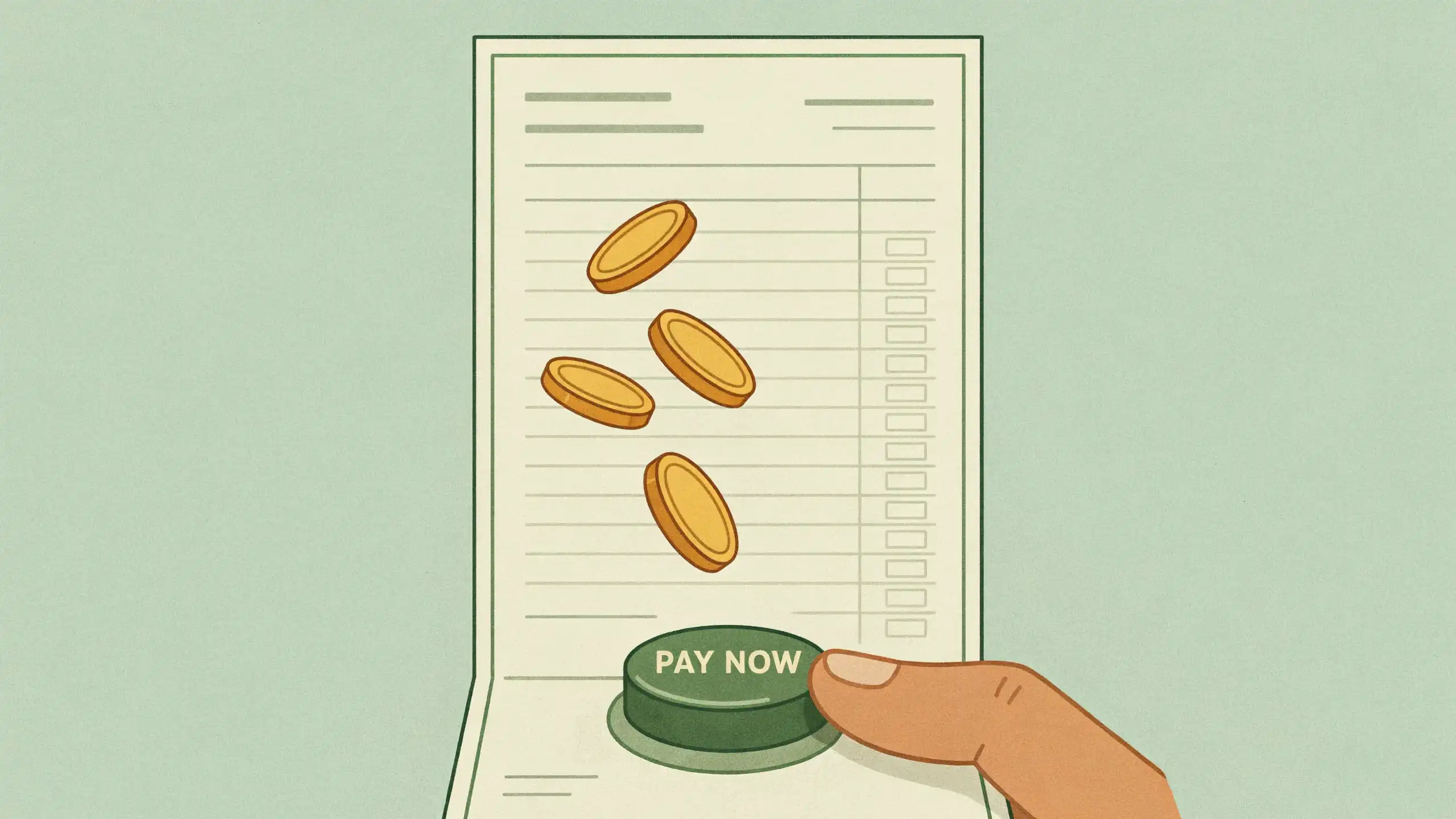
That gap between finishing the work and sending the bill is the one delay in getting paid that you control completely. A pay-now link, which lets the customer pay from the invoice email, shortens the rest of the wait.
Picture a cleaning company that mails its invoices at month’s end and gets paid by check, an average of 38 days after each job. Say it switches to emailing each invoice, with a pay-now link, the day the job is done. The typical bill no longer waits two weeks for the month to end or days in the mail, and customers pay without writing a check, so the average wait drops to 12 days.
Send each invoice the same day you finish, from your phone if you’re still on site. Give it an invoice number, an itemized list of the work, a due date, and payment instructions, so the customer has nothing to ask before paying. Write the due date as a date, “due March 14,” rather than “net 30,” which leaves the customer to count 30 days from the invoice date.
Add a pay-now link that accepts cards and bank transfers through ACH, the network that moves money directly between bank accounts. Cards cost you a processing fee on every payment, so ask customers with big invoices to pay by bank transfer, which costs far less.
Then follow up on a schedule. Email a short reminder three days before the due date, while the customer can still pay on time. Call the day after it’s due, not a week later, so they know you track every invoice. Most invoicing apps can send the reminders automatically, so the call is the one step you have to remember.
Put that call on your calendar as you send each invoice, for the day after it’s due.
To find an app that emails pay-now links and sends the reminders for you, compare the best accounting and invoicing software.


Subscribe and we'll send you 101 Essential Money Tips to get you started.
The 101 money moves that matter most, from the foundations to protecting what you’ve built.
Advertiser Disclosure: Many or all of the offers that appear on this site are from companies that compensate us, and some companies pay for sponsored content. That compensation may influence which products we cover and where and how they appear on a page, including the order in which they appear. We do not include every company or offer available in the marketplace.