
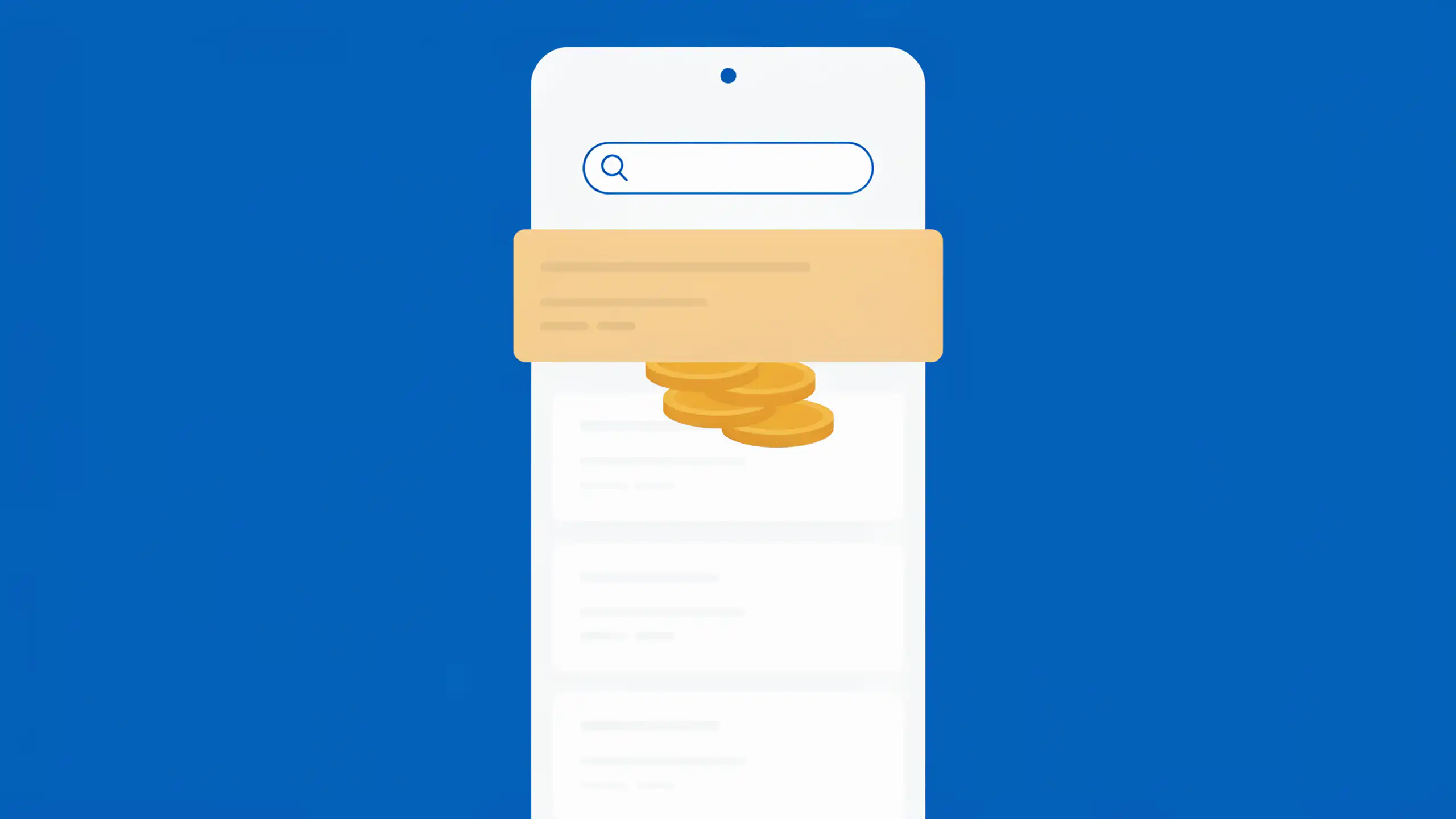

When you search for a company to pay a bill, the top result can be a paid ad for an impostor’s site. That site can tack on a fee and deliver your payment late. Skip the search and go straight to the website listed on your bill or the company’s own app.
The FTC warned about this trap in an August 2026 consumer alert. Dishonest companies buy the search ads that appear when you look up a real biller, so an impostor’s payment page can sit above the company’s own link and pass for the official one.
The FTC’s case against Doxo shows what that costs. The agency’s April 2024 complaint alleged that Doxo posed as an official way to pay billers such as Labcorp, AT&T, and state toll agencies. Less than 2% of the companies in its network had authorized it to take payments, the FTC said. According to the complaint, Doxo added a fee at the final step in greyed-out fine print. In many cases it then mailed the biller a paper check that could arrive days or even weeks after the customer thought the bill was paid.
The late payments did more damage than the fee. The complaint said many customers had utilities shut off, saw car and health insurance lapse, or were charged fees and fines despite paying on time. In August 2026, Doxo agreed to pay $2.1 million to settle the FTC’s charges.
Paying online is still fine. The search is the weak spot, and two habits close it.
- Scroll past every paid result before you click anything.
- Better yet, skip the search. Type the web address printed on your bill or open the company’s own app, then bookmark the payment page.
If a search does land you on a payment page, match its address to the one on your bill before you enter a card number. If a fee appears only at the final step, stop. That’s the pattern in the FTC’s case.
If you’ve paid through a search ad before, check your bank statement for a charge under a name that isn’t your biller’s, and call the company to confirm the payment posted. At ReportFraud.ftc.gov, report any site that took a payment your biller never received.
Your bill already names the right place to pay it, so start there every time.

Editorial & Advertiser Disclosure: The editorial content on this page is not provided, commissioned, reviewed, approved, or otherwise endorsed by any advertiser. Opinions expressed here are ours alone, not those of any advertiser. The offers that appear on this site are from companies that compensate us. That compensation may influence which products we cover and where and how they appear on a page – including the order in which they appear – but it does not influence our evaluations, ratings, or opinions. We do not include every company or offer available in the marketplace.
Related: